
Woopicx

Design 3D Icons

390+ brushes, paint tubes, easels and interface pieces — the tools and the surfaces both.
398items
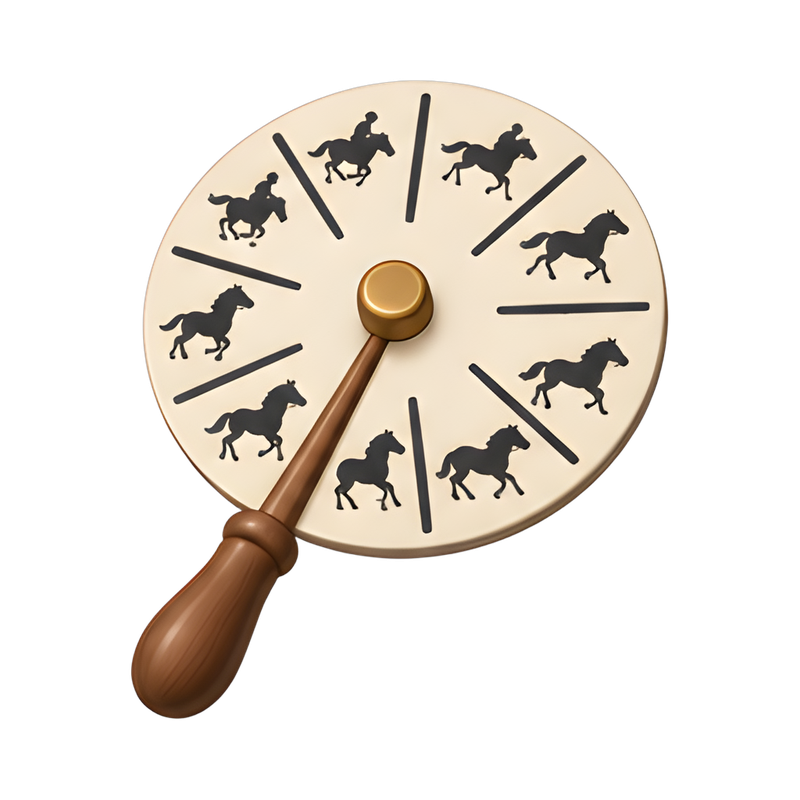
Zippered artist portfolio casewooden marble run towerwooden artist poseable figure3D wireframe cube model3D wireframe cube with gizmoWide-wing paper glider designwide format plotter in actionwhittled ball in wooden cagecolorful spray paint collectionBezier curve drawing with pen toolHeart outline with anchor nodesVector graphic with Bezier handlesUI kit with buttons and sliderslayered UI kit componentsElegant serif typeface designAbstract twisted square prism towercreative twin knob drawing toyvibrant tricolor rangoli designtext formatting toolbar displayText box with resize handlessunflower still life in a frameColorful straw hoop glidercreative sand drawing with steel ballsponge tip calligraphy brushcolorful spin art creationspacing arrows between layout blocksSliding art storage rackSteps from sketch to productpaper plane creation processbroken window with baseballVersatile shape stencil rulerscale model design boxElegant serif ampersand glyphself-drawing stylus in actionsculptor's modeling stand setupCrafting tools on a tablescissors cutting through pie chartcutting a window from a monitorrolled patent blueprint with sealReal gear part with hologramBookends in Quotation Mark Shapequatrefoil tile patterncreative problem solving conceptIntegrating puzzle pieces into appsPros and cons T-chart boardPrint proof sheet with crop markscolorful paint pots and brushcollection of used spray cansintricate marble flower tilevintage phenakistoscope in motion

Design covers two worlds that rarely share an icon set: the physical studio, brushes and paint and easels, and the digital canvas, buttons, flowcharts and components. Having both rendered the same way lets a creative product move between them, which matters for tools that turn one into the other.

What is in the set

Traditional media — paintbrushes, rollers, paint tubes and blobs, easels with canvases. Colour tools including wheels and swatches. Interface elements: buttons, square displays, browser components, flowcharts with branching paths. Plus abstract and sculptural forms — overlapping circles, geometric rocks, puzzle pieces.

Where these work best

Design tools and creative SaaS, agency and portfolio sites, art education, print and craft services, and process diagrams that explain a workflow. Pencil and photo are the neighbouring categories for drawing and imaging specifically.

Frequently asked questions

Are there UI component icons?
Yes — buttons, displays, browser pieces and flowcharts, alongside the traditional art supplies.
Do these suit a portfolio site?
They do, particularly the brush and paint family, which reads as craft rather than software.
How many are free?
About seven in ten of the 390+ are free with a credit to Woopicx.