Arrow Icons
450+ directional, looping, and growth arrows rendered in three dimensions. PNG on a transparent background, most of them free to download.

















Design Examples
See how these icons look in real website designs


Arrows carry more of an interface than almost any other shape: they move people forward, point at what matters, and show how one thing turns into another. This set holds over 450 arrows rendered in three dimensions, hand-reviewed so every one of them is an interface arrow — not a bow, not a dart.
What is in the set
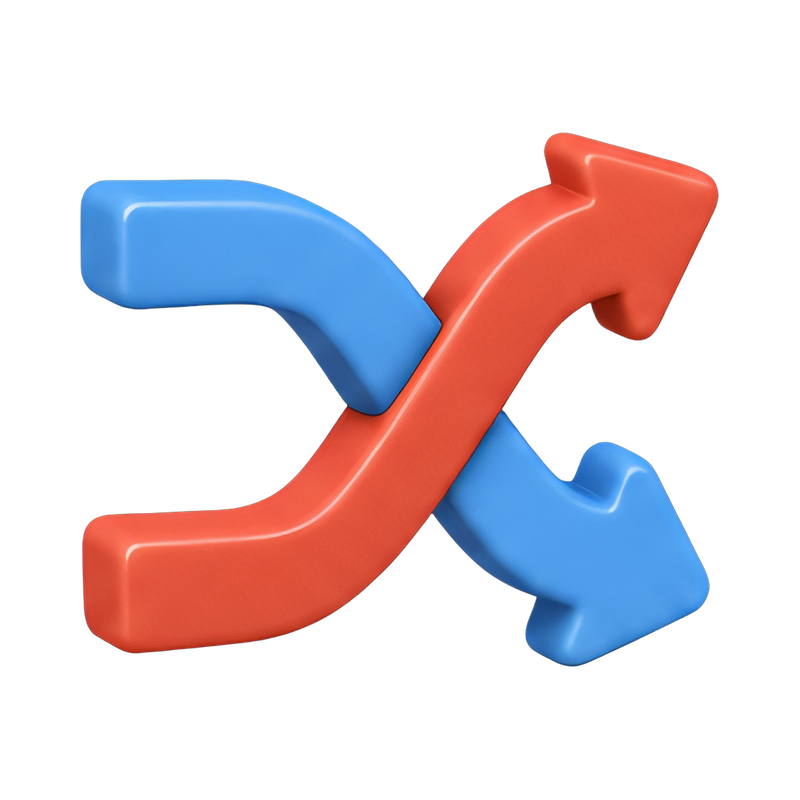
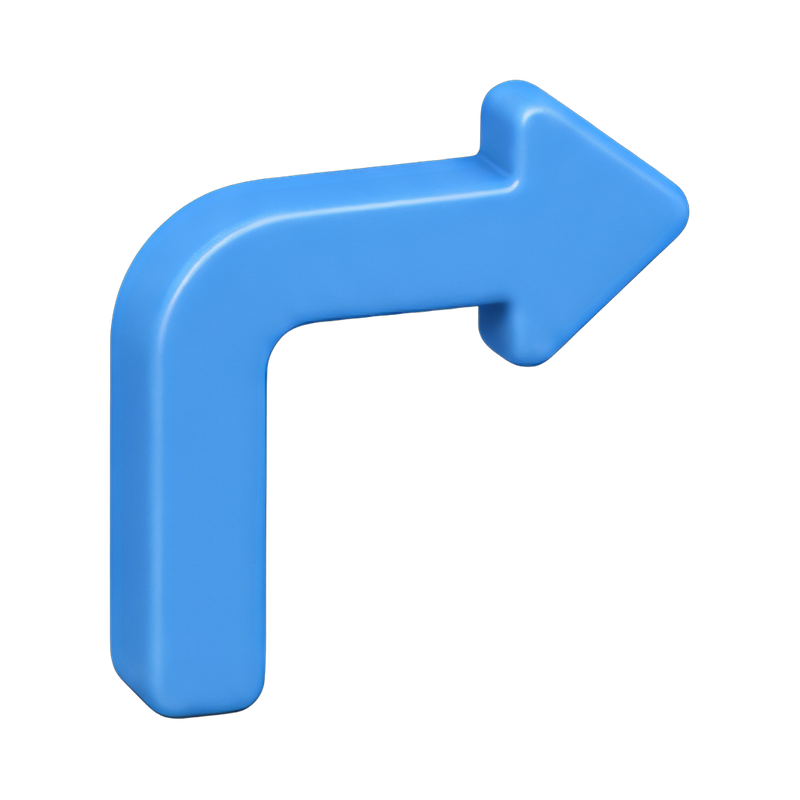
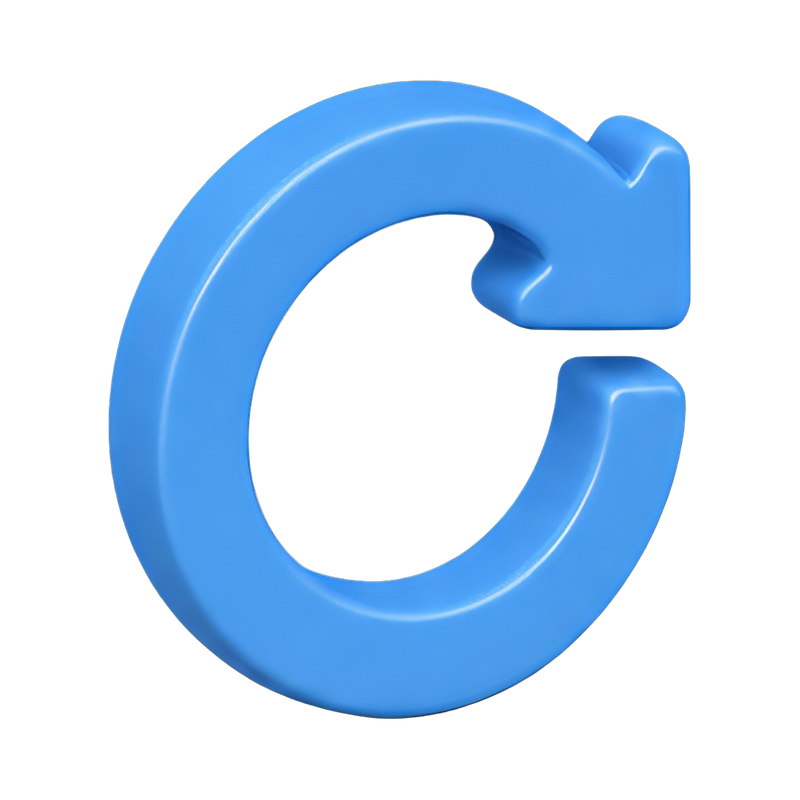
Straight directional arrows for navigation and pagination, curved and looping arrows for refresh, undo, and repeat actions, circular arrows for cycles and synchronisation, and growth arrows angled upward for dashboards and financial reporting. Split and merge arrows describe branching flows in diagrams. Every icon ships as a PNG on a transparent background, so it drops onto any colour without a halo around the edges.
Where these work best
Three-dimensional arrows read well at larger sizes, which makes them a fit for hero sections, onboarding illustrations, pitch decks, and process diagrams. For dense interface work at 16 or 24 pixels a flat line icon usually stays sharper, so many teams pair this set with our outline collection and use the 3D arrows only where the arrow itself is the focus.
Frequently asked questions
- Are these arrow icons free to download?
- Most of them are. Free downloads require a credit to Woopicx, such as "Image from Woopicx.com". Subscribers download without attribution and get access to the premium icons in the set.
- Can I use them in a commercial project?
- Yes. Both personal and commercial use are covered, including client work, advertising, and products you sell. You may not resell the icons themselves unaltered, or register them as a trademark or logo.
- What format and size are the files?
- PNG with a transparent background. Sizes run from 512x512 up to 1024x1024 depending on the icon, which covers presentation use and scales down cleanly for the web.
- Can I change the colour of an arrow?
- Yes. Open any icon and ask the AI assistant to recolour it, change the angle, or match it to your brand palette, then download the result.